
You can export a playbook from one machine and import it in other machines to save configuration time.
Click Playbooks in the navigation bar.
Search the playbook by filtering the list using the Category or entering the Playbook Name.
Select Export from the drop-down in the Actions column.
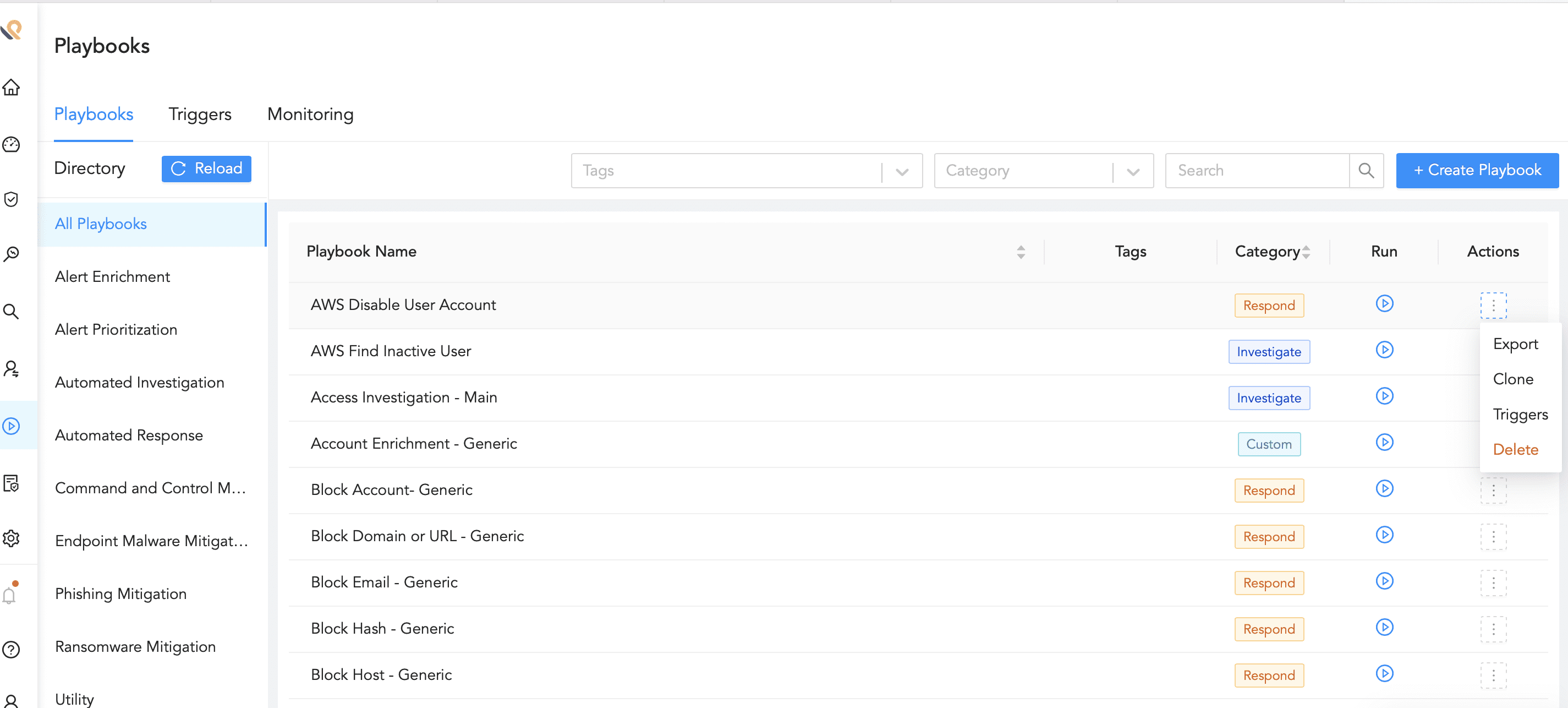
Exporting a Playbook